
Animate anything from one picture and one sentence
Give Claude a style reference and a one-line idea; it draws every frame in code with HyperFrames and renders an MP4 on your computer.
- Cost
- HyperFrames is free and open source (Apache-2.0) and renders locally at no cost.
- Time
- About 15 minutes to set up · our 12-second video took 11.5 minutes
- Phone?
- No. Laptop or desktop.
- Tested on
- Tested on a MacBook Air M4 (16 GB), Node 22, HyperFrames 0.9.58
The real output, unedited.
This is the file our test run produced, exactly as it came out. The guide below gets you to the same place.
Why it’s worth it
You skip video credits and stock footage. The animation is code, so every change is a quick re-render. And a single strong reference image steers the style better than a paragraph of adjectives.
What you need
- Claude Code (paid Claude plan).
- Node.js 22 or newer, npm, and FFmpeg (run
npx hyperframes doctorto check). - One style reference image you have the right to use. Public-domain museum collections are a great source.
What it costs
HyperFrames is free and open source (Apache-2.0) and renders locally at no cost. Claude Code bills to your Claude account and isn't in Claude's Free plan.
Steps
Tap a step number to tick it off. Your progress stays on this device.
Install the HyperFrames plugin
Run both commands in your terminal, then start a new Claude Code session (or run /reload-plugins).
claude plugin marketplace add heygen-com/hyperframes claude plugin install hyperframes@hyperframesPick one style reference
Choose one image with a clear look: a small palette, bold shapes, visible texture. We used Hokusai's 'Under the Wave off Kanagawa' from The Met's Open Access collection (public domain).
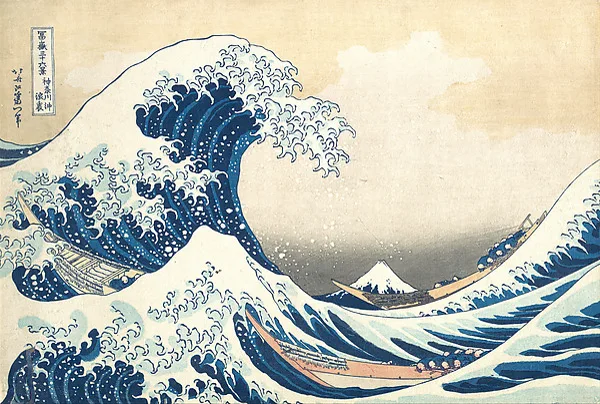
Our reference: Hokusai, The Met Open Access (public domain). Brief it in one paragraph
Open Claude Code in an empty folder, attach the image, and paste a brief with the topic, length, aspect ratio and the few labels you want. Ask it to take the style, not the composition.
Let it work, then review
Claude reads the HyperFrames guide for explainers, builds the scenes, checks them, and opens a preview. Look at the frames and say what to change in plain words.
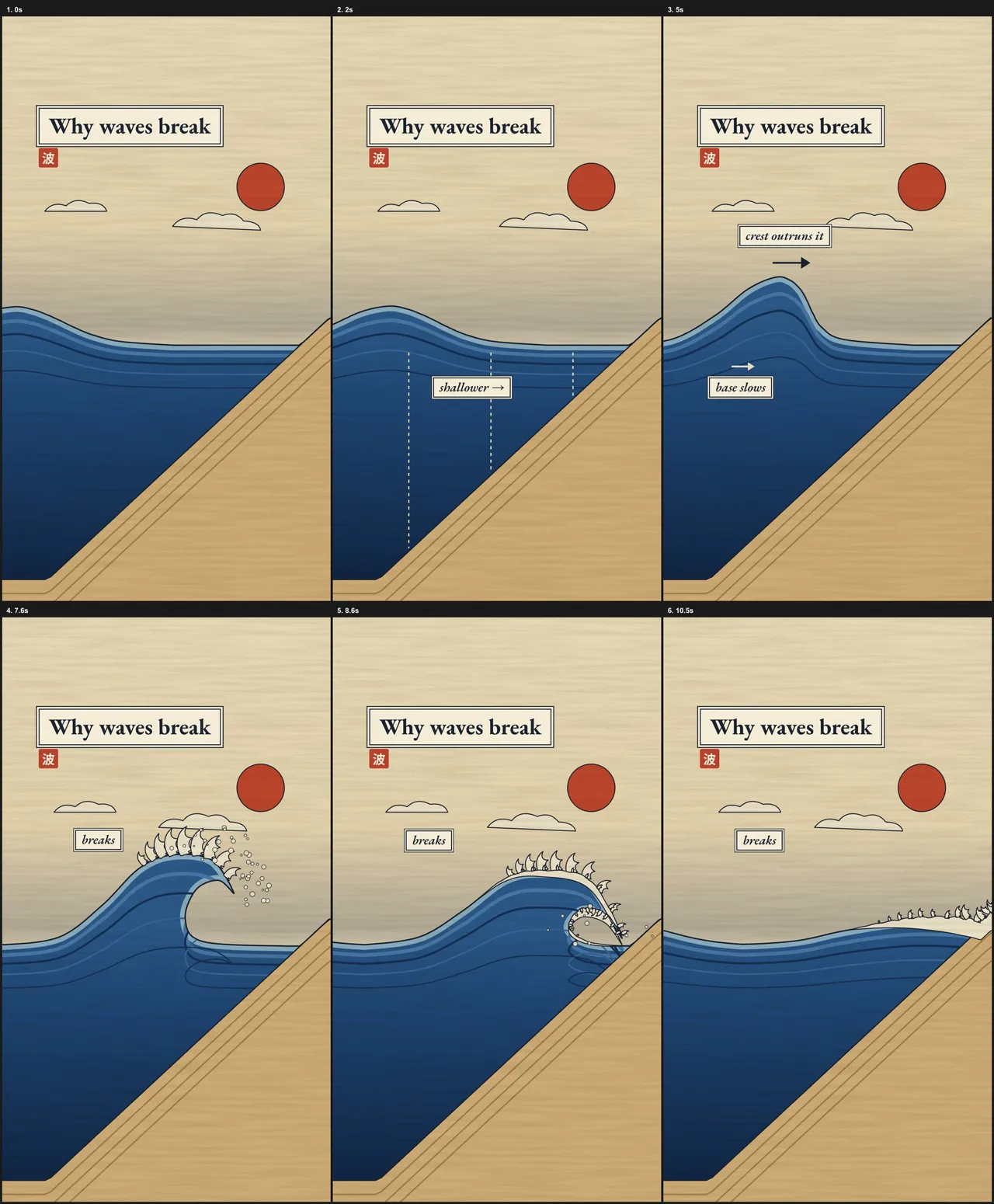
Six frames from our run: shoaling, steepening, breaking, foam. Render the MP4
Ask Claude to render it, or run the command yourself inside the project folder.
npx hyperframes render -o wave.mp4
Prompts to copy
A 12-second vertical (1080x1920, 30fps) explainer: why ocean waves break. Show a wave travelling over a shoaling sea floor: the bottom slows, the top keeps going, the crest steepens and topples into foam. 3–4 tiny labels max (e.g. 'shallower', 'base slows', 'crest outruns it', 'breaks'). Woodblock style from the reference. Take the style, not the composition.
Using /hyperframes:hyperframes, make a [LENGTH]-second [vertical 9:16 / square / 16:9] animation: [WHAT HAPPENS, in 2–3 sentences]. Use the attached image as the style reference (palette, line, texture), not the composition. Max [N] short labels. Keep facts correct. Add simple original sound. Check it, show me snapshots, then render.
What you’ll get
A HyperFrames project folder (index.html + assets) and an MP4 you can re-render after any change.
Our run on 17 Nov 2026: 11.5 minutes from empty folder to finished MP4 (file timestamps 09:47:21 → 09:58:51), 3 revision passes, a 22-second render. Output: a 12 s, 1080×1920 woodblock-style explainer with an original synthesized surf sound.
If it doesn’t work
Render can't find FFmpeg or Chrome
npx hyperframes doctor and install what it lists; npx hyperframes browser can fetch its own Chrome.The plugin skill doesn't show up
Fonts look like Arial in the MP4
It copied the reference's composition
The fine print
Limits
- Claude Code is a paid plan, and long animations use more of your usage.
- HyperFrames' Studio app and cloud features have their own Free and Pro plans; this guide uses only local rendering, which is free.
- Your reference image's rights matter: use your own art, licensed art, or public-domain works.
Other ways to do it
- No Claude Code? HyperFrames' Studio app has a free plan and connects to other agents, including free ones (see its docs).
- Prefer React? Remotion also renders code to video; check its licence for commercial use.
Safety. Install the plugin only from heygen-com/hyperframes. Don't use another artist's work as a reference for commercial pieces without permission.
Sources
- Make videos with Claude Code (HyperFrames docs)
- HyperFrames FAQ: is it free?
- Hokusai print, The Met Open Access
- Claude plans and pricing
Last tested 2026-11-17. Found something out of date? Tell Lana on Instagram and the guide gets fixed with a date.
Make a keynote-style launch film in code
Use the same method for a product film: see the LAUNCH guide.
Open it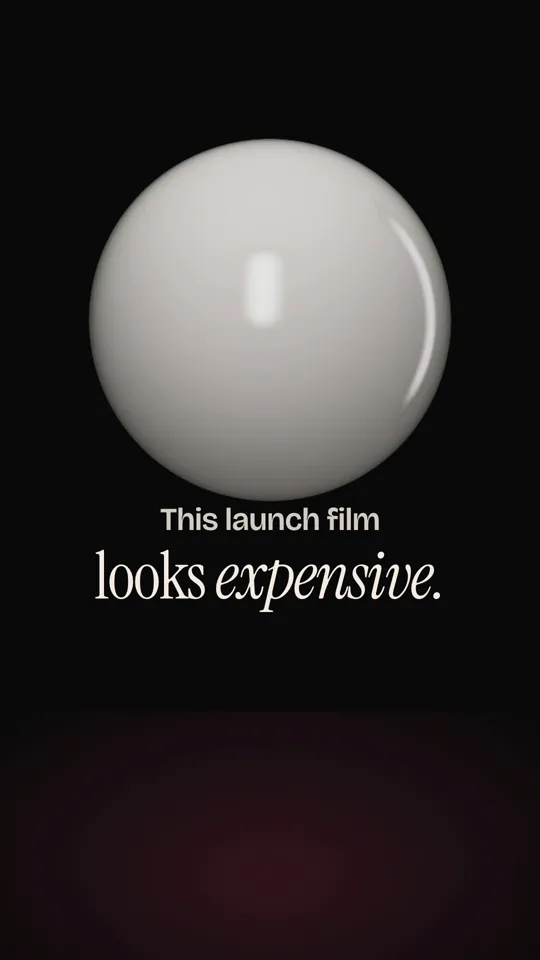
More like this.
 TASTE
The free skill that makes Claude check its own design
Install MotionSites Web Builder, give Claude one prompt, and watch it plan, build, screenshot and fix a landing page before you touch anything.
LAUNCHMake a keynote-style launch film in code
Write a beat table first, then let Claude build a 3D opener, real interface clicks, a recap grid and original sound in HyperFrames, and render it on your own computer.