The three-piece prompt: goal, input, example
Turn a vague request into one that returns something you can actually send, in any AI chat.
- Cost
- Free to try in any AI chat with a free tier (Claude Free, ChatGPT Free, Gemini).
- Time
- 5 minutes
- Phone?
- Yes. Works in any AI chat app or browser.
- Tested on
- Any device with an AI chat
Why it’s worth it
When a prompt leaves things out, the model fills the gaps with a generic template full of [placeholders]. Giving it the goal, the real details and one example of the tone you want removes the guessing.
What you need
- Any AI chat account (free tiers work).
- The real details of your task (names, times, constraints).
What it costs
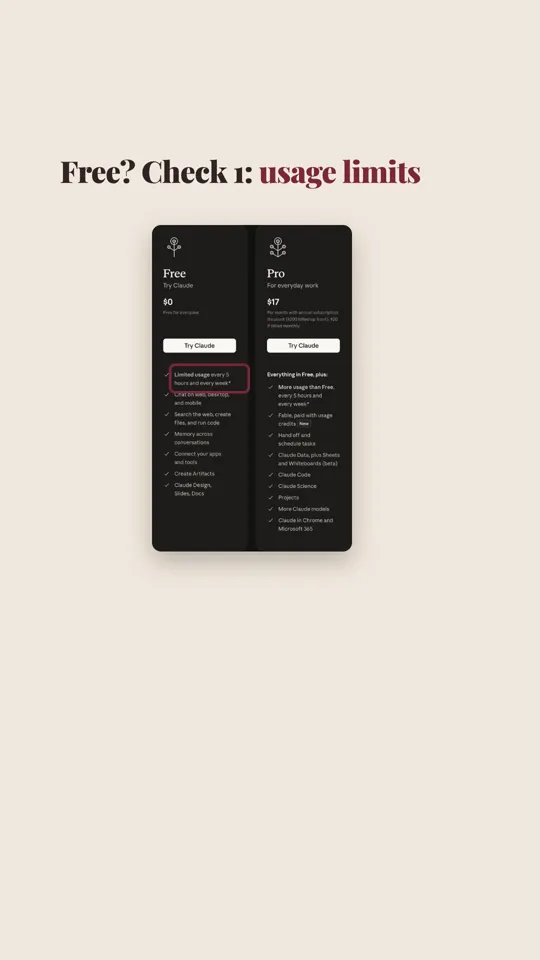
Free to try in any AI chat with a free tier (Claude Free, ChatGPT Free, Gemini). Free tiers have usage limits.
Steps
Tap a step number to tick it off. Your progress stays on this device.
Write the goal
One line: what a good result achieves. Example:
Goal: politely move tomorrow's 30-minute client call without sounding disorganised.Give the real input
Names, times, options, reason. The model can't use details you don't give it. Example:
Input: Client is Maya. Current slot: Thursday 3 pm. I can do Friday 11 am or 2 pm.Show one example of the tone
A single line you like beats adjectives like 'friendly but professional'. Example:
Tone I like: "Quick one, could we shift this? Here's what works on my side."Say the output shape
Length, format, what to leave out. Example:
Output: subject line + under 80 words, two time options as a list, no apology paragraph.Check before you send
Read names, dates and times against your calendar. A better prompt reduces mistakes; it doesn't remove them.
Prompts to copy
Goal: [what a good result achieves]
Input: [the real details: names, dates, numbers, constraints]
Example of the tone/format I like: "[one short line]"
Output: [length, format, what to leave out]
Goal: politely move tomorrow's 30-minute client call without sounding disorganised.
Input: Client is Maya (Northwind). Current slot: Thursday 3 pm. I can do Friday 11 am or 2 pm. Reason: a launch review overran.
Example of the tone I like: "Quick one, could we shift this? Here's what works on my side."
Output: subject line + email under 80 words, two time options as a list, no apology paragraph.
Build yours with the prompt builder
What you’ll get
A ready-to-send draft that uses your real names and times, follows your format, and needs at most a light edit.
Same model (Claude Sonnet 5.5), each run in a fresh session, two runs per prompt, 17 Nov 2026. Prompt A ("Write an email to move a meeting.") returned a generic template with 5–6 [placeholders] and an apology line both times. Prompt B returned a ~55–60-word email using Maya, Thursday 3 pm and the two Friday options as a list, with no apology paragraph, both times. Full outputs below. Method: each prompt ran twice, each run in a fresh Claude Code subagent with no tools (the standalone CLI wasn't signed in). Each run ended with a one-line agent note, which we removed; nothing else was edited. Results in a normal chat app may differ.
Subject: Request to Reschedule Our Meeting

Hi [Name],

I hope you're doing well. Something has come up, and I need to move our meeting currently scheduled for [original date and time].

Would [new date and time] work for you? If not, I'm also available on [alternative date and time] and [alternative date and time]. I'm happy to work around your schedule.

I'm sorry for the inconvenience, and thank you for your flexibility. Please let me know what suits you best, and I'll send an updated invite right away.

Best regards,
[Your Name]
Subject: Moving tomorrow's call, Friday instead?

Hi Maya,

Quick one, could we shift tomorrow's 3 pm call? A launch review overran, and I'd like to give you my full attention. Here's what works on my side:

- Friday, 11 am
- Friday, 2 pm

Still 30 minutes. Let me know which suits and I'll send the updated invite.

Thanks,
[Your name]
If it doesn’t work
Still too long
It invents details
Tone is off
The fine print
Limits
- Outputs vary between runs and models; our two runs per prompt were similar but not identical.
- Free tiers limit how many messages you can send in a period.
- Our test used one task and one model. It's a demonstration, not a benchmark.
Other ways to do it
- Ask the AI to interview you first: "Ask me 3 questions before you write."
- Paste a previous email you wrote and say "match this style".
Safety. Don't paste confidential client data, passwords or personal ID numbers into AI chats. Check your workplace policy first.
Sources
Last tested 2026-11-17. Found something out of date? Tell Lana on Instagram and the guide gets fixed with a date.
Animate your first Reel with code. No per-video credits.
Use the template to restyle your MOTION scene in one prompt.
Open it